English

Products

11 guides

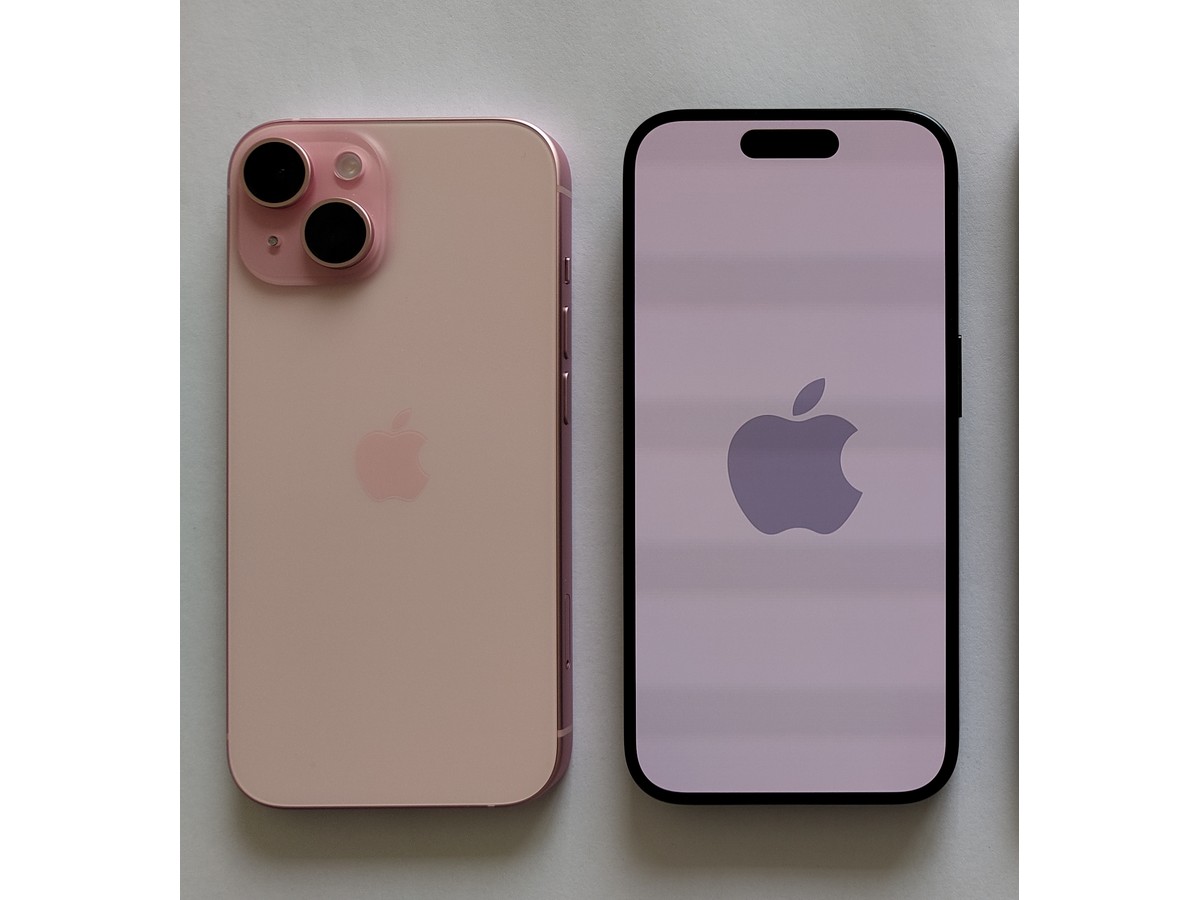
Left pair in the source photograph: back and front of a pink iPhone 15
Products 7 min read

iPhone battery draining quickly: check usage, updates and battery health

Start in Settings → Battery: compare usage with your usual days and inspect app and system activity. If an update or device setup is still running, compare again after a few days; check any Service message in Battery Health separately.

Photo credits
Appearance photograph described by the source as iPhone 15. Not a Battery settings screen or performance test. Left pair cropped, resized, JPEG compressed and padded white. · Photo: IPHONE 15 · CC BY-SA 4.0 · Cropped and resized

Related collections